

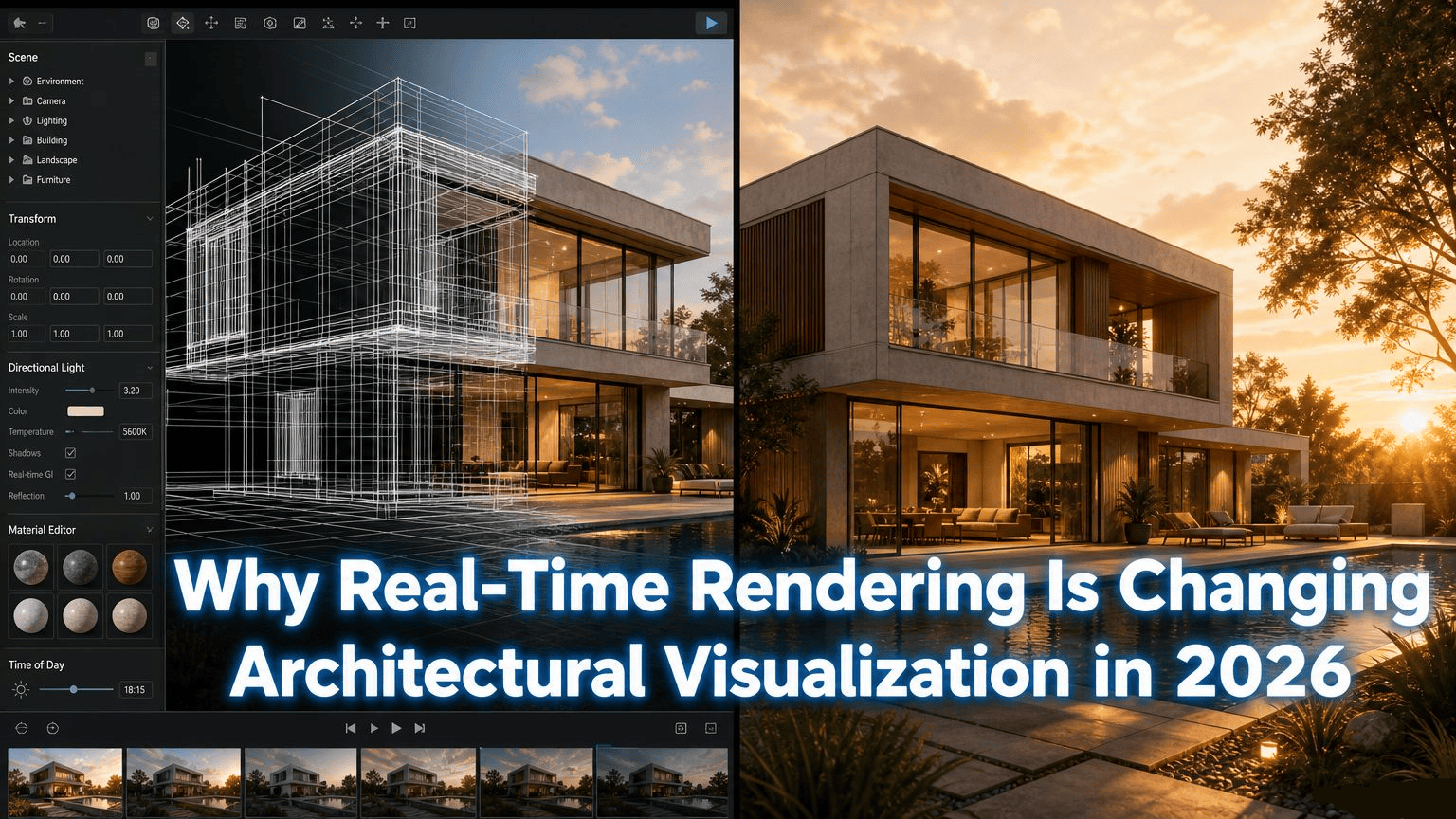

Introduction
A client used to wait days to see a design change. Now they watch it happen live, on screen, during the meeting.
This shift is real-time rendering. It’s reshaping architectural visualization faster than almost any other technology in the industry.
At Blue Ribbon 3D, we’ve integrated real-time tools across nearly every project this year. This guide explains what changed, and why it matters for your next build.
We’ll walk through each part of the visualization process this technology touches, from walkthroughs to floor plans to product renders.
By the end, you’ll understand exactly where real-time rendering fits into a modern architectural workflow, and where traditional rendering still wins.
This shift didn’t happen overnight. It took years of graphics hardware improvements and software development before real-time engines could match the visual quality architects expect.

Quick Answer
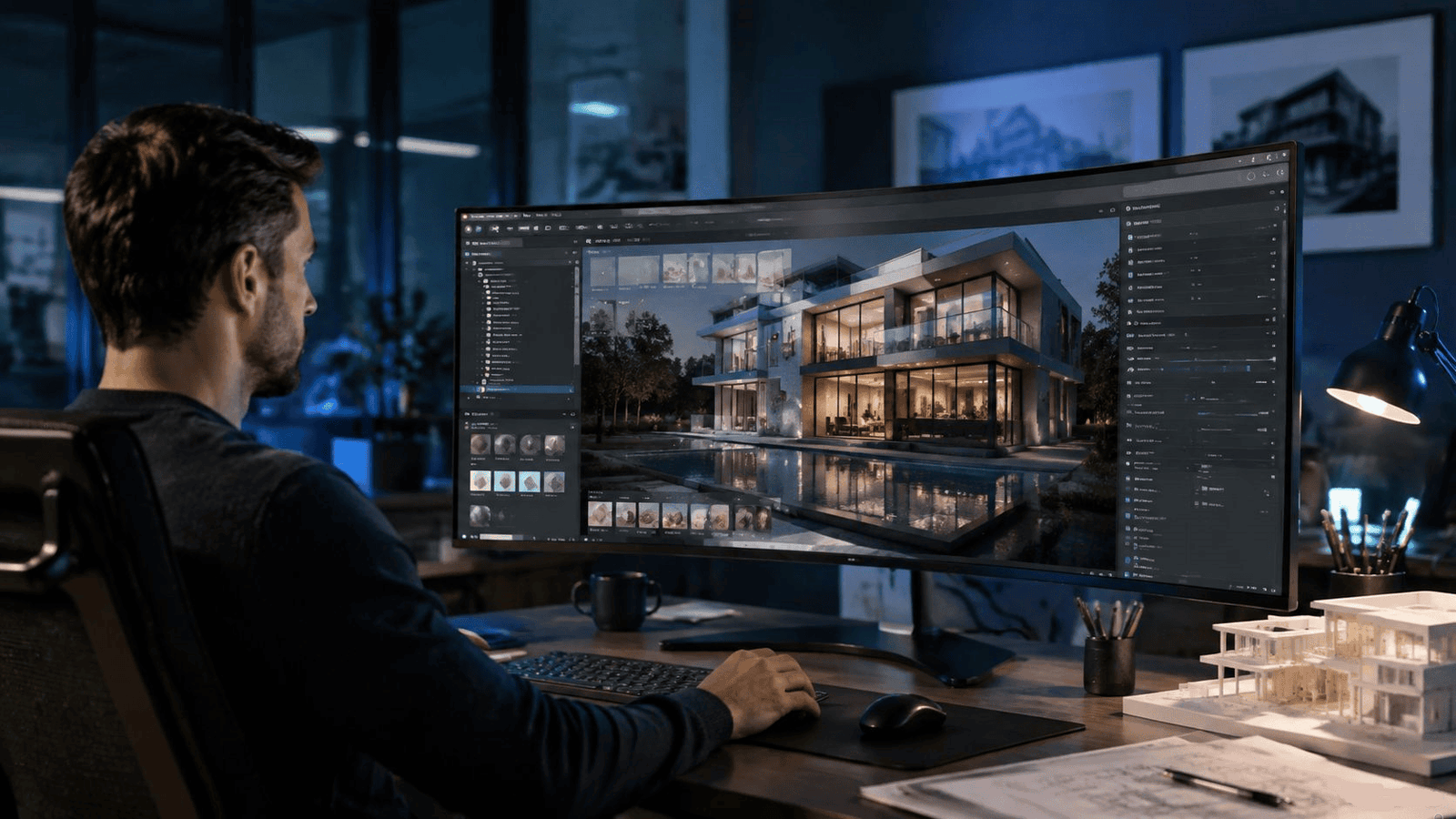
| Real-time rendering lets architects and clients see photorealistic changes instantly, instead of waiting hours or days for a traditional render. In 2026, this technology powers faster design reviews, live walkthroughs, and quicker client approvals across the architectural visualization industry. |
What Is Real-Time Rendering?
Real-time rendering generates an image instantly, as changes happen. There’s no waiting for a render queue to finish.
Traditional rendering works differently. A single high-quality image can take minutes or hours to process, frame by frame.
Real-time engines use the graphics card directly. This lets designers move a camera, swap a material, or adjust lighting and see the result immediately.
Game engines pioneered this technology. The architecture industry adopted the same tools once quality caught up to photorealistic standards.
Two engines dominate this space today. Both started as tools for video game development, then expanded into architecture, film, and product visualization once their rendering quality improved enough for professional use.
The core technical difference comes down to how light gets calculated. Traditional rendering traces light rays with near-perfect accuracy, which takes time. Real-time engines approximate this using clever shortcuts, trading a small amount of accuracy for massive speed gains.
Most viewers can’t tell the difference at normal viewing distance. The gap only shows up in extreme close-ups or very specific lighting conditions, like fine reflections on glass or water.
Real-Time Rendering vs. Traditional 3D Architectural Rendering
Traditional 3D architectural rendering still produces the highest quality final images for marketing and print materials.
But it’s slow for iteration. Every small change means another render cycle, often overnight.
Real-time rendering trades a small amount of final image quality for massive speed gains during the design process. Most studios now use both: real-time for reviews, traditional rendering for final marketing assets.
This hybrid workflow has become the practical standard in 2026. Neither approach fully replaces the other.
Consider a typical project timeline. Early design phases involve dozens of small adjustments — window placement, roofline angles, material choices. Running full traditional renders for each change would take weeks.
Real-time rendering compresses this phase dramatically. Once the design is finalized, the studio switches to traditional rendering for the polished, final marketing images clients will actually publish.
This division of labor plays to each method’s strength: speed during exploration, maximum quality for the finished product.
How Real-Time Tech Powers 3D Walkthrough Animation
Walkthrough animation used to require a fixed camera path, rendered frame by frame in advance.
Real-time engines change this. A 3D walkthrough animation can now run live, letting a client steer the camera themselves during a presentation.
This interactivity changes how clients engage with a design. Instead of watching a fixed video, they explore the space at their own pace, asking questions in real time.
Sales teams have noticed a real difference in client engagement. A pre-rendered video invites passive watching. A live, explorable walkthrough invites questions, curiosity, and a stronger emotional connection to the space.
This matters most for real estate developers marketing pre-construction units, where the walkthrough is often the only way a buyer can experience the space before it exists.
VR Architectural Visualization Gets a Major Upgrade
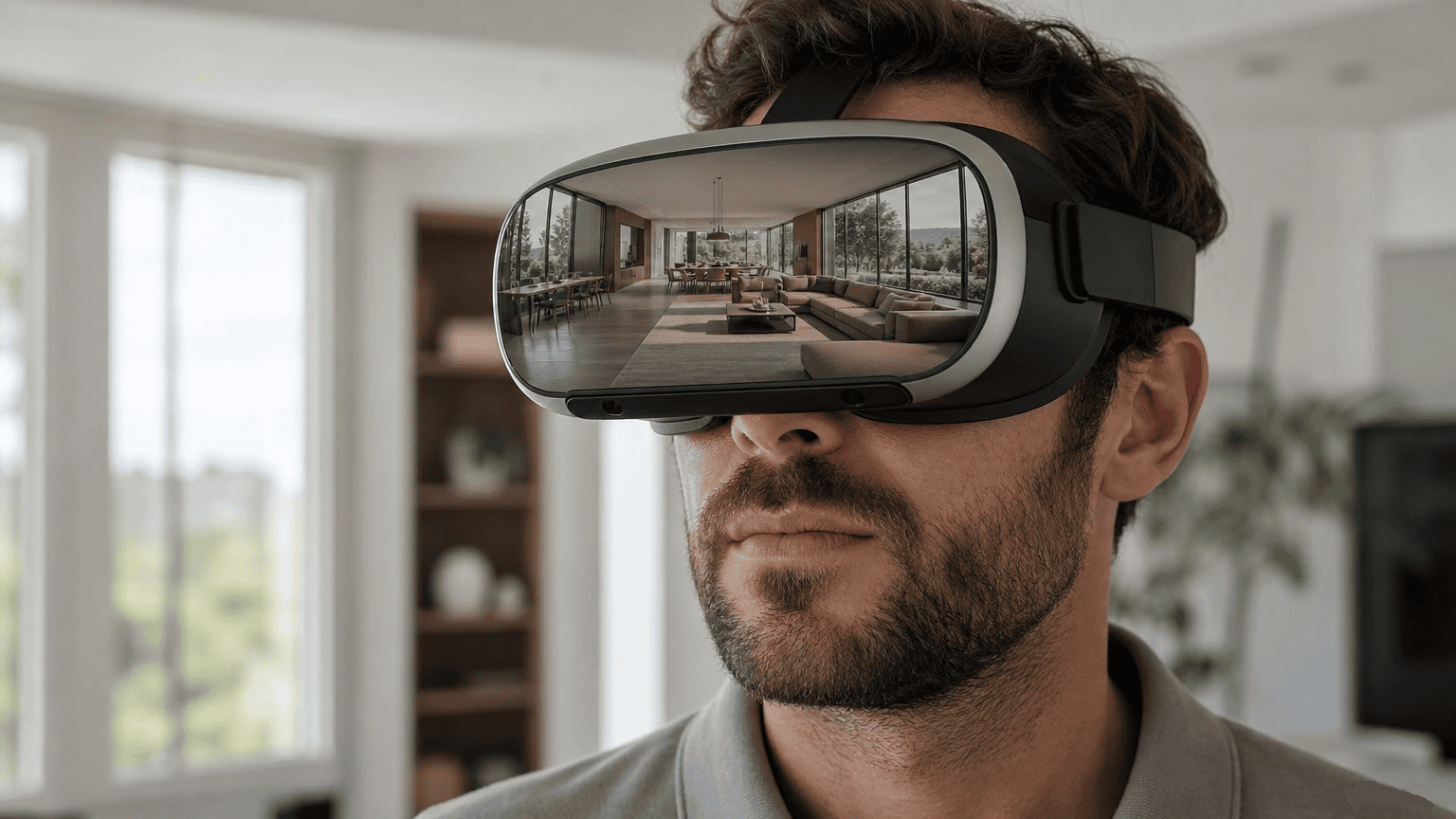
Virtual reality depends heavily on real-time rendering. A VR headset needs fresh frames rendered dozens of times per second, or the experience feels sluggish and uncomfortable.
Modern VR architectural visualization tools now deliver smooth, photorealistic environments at the frame rates VR headsets require.
This has made VR walkthroughs practical for client meetings, not just trade show demos. A buyer can put on a headset and walk through their future home before construction starts.
Frame rate matters enormously in VR. Drop below a certain threshold, and users experience discomfort or motion sickness. Early architectural VR demos suffered from exactly this problem before real-time engines matured.
Today’s hardware and software combination has largely solved this. Comfortable, extended VR sessions are now realistic for client presentations lasting twenty minutes or more.
The Foundation: Accurate 3D Modeling
None of this works without a solid base model. Real-time rendering displays a model instantly, but it can’t fix modeling mistakes on the fly.
Accurate 3D modeling remains the foundation every other visualization step depends on.
Studios investing in real-time tools still spend most of their early project time on precise, to-scale modeling before any rendering begins.
A poorly modeled building looks wrong no matter how good the rendering engine is. Incorrect proportions, misaligned windows, or inaccurate room dimensions all show up immediately, regardless of lighting quality.
This is why experienced studios never skip or rush the modeling phase, even under tight deadlines. It’s the one step that real-time speed can’t compensate for later.
3D Floor Plans in a Real-Time Workflow
Floor plans benefit from real-time tools too, though in a quieter way. A 3D floor plan can now be adjusted live during a client meeting.
Move a wall. Resize a room. See the updated layout instantly, without waiting for a new render to process overnight.
This has shortened the typical floor plan revision cycle from days to a single meeting in many cases.
Clients particularly appreciate this during early planning stages, when layout decisions are still fluid. Seeing a change immediately, rather than waiting for the next scheduled review, keeps momentum going during the design process.
Real-Time Exterior and Interior Rendering
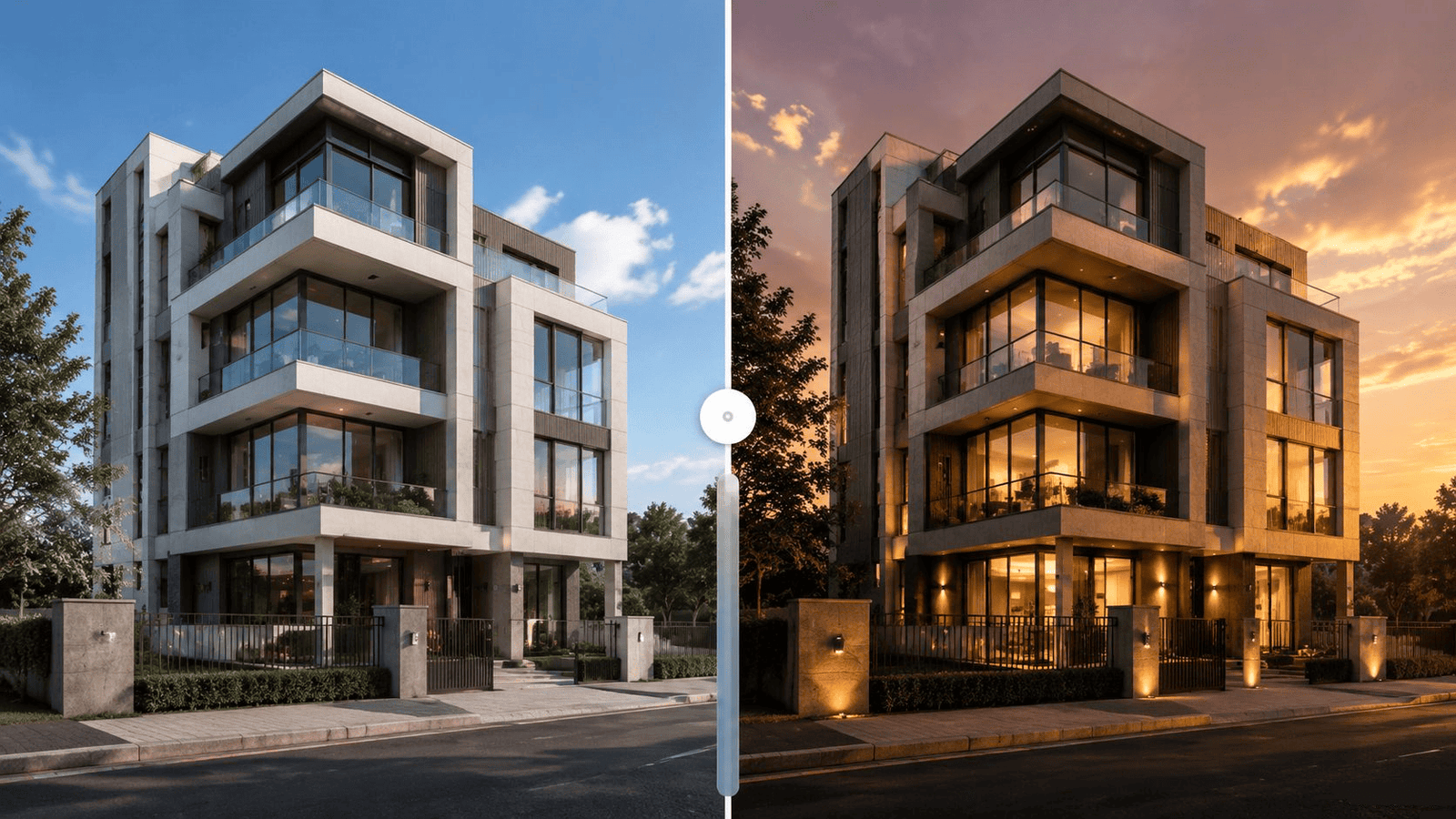
Exterior work has changed noticeably. Exterior 3D rendering now lets architects test different times of day, seasons, and landscaping options instantly during a design review.
Interior projects see similar gains. Interior 3D rendering workflows now let designers swap flooring, furniture, or lighting temperature live, right in front of the client.
This live adjustment ability has reduced back-and-forth email chains significantly. Many decisions that once took a week of revisions now get resolved in a single session.
Consider a common scenario: a client can’t decide between warm and cool lighting for a living room. Instead of requesting two separate renders and waiting a day for each, the designer simply toggles between both options on screen, live.
The same applies to exterior material choices — brick versus stone facade, different roof colors, or landscaping density. Seeing these side by side, instantly, removes much of the guesswork from the decision.
Real-Time Rendering for Product Visualization
The same technology extends beyond buildings. 3D product visualization for furniture and fixtures now uses real-time engines too.
A furniture piece can be shown in multiple room settings instantly, without separate render jobs for each scene.
This makes real-time tools valuable well beyond architecture, touching nearly every corner of the visualization industry.
Furniture brands use this for online configurators, where shoppers pick a fabric color or leg finish and see the change reflected instantly, without reloading a new image.
This kind of interactive product configuration was technically difficult before real-time rendering matured, and it’s now becoming a standard feature on higher-end furniture retail sites.
What This Means for Clients and Buyers
- Faster approvals, since changes are visible immediately
- Fewer miscommunications between designer and client
- More confidence before construction begins
- Lower revision costs, since fewer full re-renders are needed
For real estate developers, this speed advantage often translates directly into faster project timelines and quicker marketing turnaround.
Miscommunication has always been a hidden cost in design projects. A client imagines one thing from a verbal description, while the designer pictures something slightly different. Real-time visuals close this gap immediately, since everyone sees the exact same image at the same time.
This shared understanding reduces costly late-stage changes, where a client only realizes a design choice was wrong after construction has already started.
Hardware Requirements for Real-Time Rendering
Real-time rendering needs a capable graphics card. This is different from traditional rendering, which relies more heavily on processor power and render farm capacity.
Studios offering live real-time walkthroughs during client meetings typically invest in dedicated workstations built specifically for this purpose.
For clients viewing content remotely, cloud-based streaming has become a practical alternative. This lets a client view a real-time rendered walkthrough from a laptop or tablet, without needing high-end hardware themselves.
This accessibility matters. Not every client has a gaming-grade computer, but nearly everyone can join a video call and watch a streamed real-time session.
Studios weighing this investment should consider project volume. A firm handling dozens of active projects sees a faster return on real-time hardware than one handling just a few builds per year.
Cloud rendering services have also emerged as a middle-ground option, letting smaller studios access powerful real-time capabilities without buying expensive workstations outright.
Team Collaboration Benefits
Real-time rendering doesn’t just help client meetings. It changes how internal design teams work together too.
Multiple team members can view the same live scene simultaneously, discussing changes as they happen rather than reviewing separate render batches sent by email.
This has shortened internal review cycles at many studios. A lighting designer, an architect, and a project manager can weigh in on the same live scene during a single meeting.
Remote teams benefit especially. Distributed studios spread across different cities or countries can now collaborate on a shared real-time scene through screen sharing or cloud streaming, closing a gap that used to require everyone in the same room.
The Role of AI Alongside Real-Time Rendering
AI tools now work hand-in-hand with real-time engines. AI-assisted denoising cleans up rendered images instantly, improving quality without slowing down the live experience.
Some platforms use AI to suggest material or lighting adjustments automatically, based on thousands of previous successful projects.
This combination — real-time speed plus AI-assisted quality improvements — is where much of the industry’s innovation is currently focused heading into 2027.
Who Is Adopting Real-Time Rendering Fastest
Large architecture firms with dedicated visualization teams led early adoption. They had the budget for high-end hardware and staff training.
Smaller studios have followed quickly, helped by cloud-based rendering options that lower the upfront hardware cost.
Real estate developers marketing pre-construction properties have also moved fast, since live walkthroughs directly support sales conversations with potential buyers.
Interior designers and furniture brands round out the fastest-growing group, using real-time tools for client presentations and online product configurators alike.
Is Real-Time Rendering Right for Every Project?
Not entirely. Marketing hero shots and print materials still benefit from traditional, high-quality rendering methods.
Real-time rendering shines during the design and approval phase, where speed matters more than absolute maximum image fidelity.
The best studios know when to switch between the two, rather than forcing one method across an entire project.
Small residential projects with a single client decision-maker may not need the full real-time toolkit. A handful of traditional renders might resolve every question just fine.
Larger commercial projects, with multiple stakeholders and frequent design changes, benefit the most from real-time workflows. The more people involved in approval, the more valuable instant visual feedback becomes.
Frequently Asked Questions
What is real-time rendering in architecture?
Real-time rendering generates photorealistic images instantly as changes are made, rather than waiting for a render to process, speeding up design reviews significantly.
Is real-time rendering as good as traditional rendering?
For final marketing images, traditional rendering still often looks slightly better. For design reviews and client walkthroughs, real-time rendering offers speed that traditional methods can’t match.
Do I need VR equipment for real-time architectural visualization?
No. Real-time rendering works on a standard screen too. VR headsets add an extra layer of immersion but aren’t required to benefit from real-time speed.
How does real-time rendering affect project timelines?
It shortens revision cycles significantly. Changes that once took a day to re-render can now be reviewed and approved within the same meeting, cutting weeks off some project schedules.
Can real-time rendering be used for floor plans?
Yes. Floor plan layouts can be adjusted live, letting clients see wall changes or room resizing instantly during a planning session, rather than waiting for a revised drawing.
Does real-time rendering work for product visualization too?
Yes. Furniture and product visualization increasingly use real-time engines to show items in multiple settings without separate render jobs for each scene, which also supports online product configurators.
What hardware do I need to use real-time rendering?
A dedicated graphics card is required for smooth real-time rendering. Clients viewing the results remotely can often join through cloud streaming without needing specialized hardware themselves.
Will real-time rendering replace traditional architectural visualization completely?
Unlikely in the near term. Traditional rendering still produces the highest quality final images for marketing, while real-time rendering handles the faster-paced design and review process.
Conclusion
Real-time rendering hasn’t replaced traditional architectural visualization. It’s made the entire process faster, more collaborative, and more transparent for clients.
Studios that combine both approaches — real-time for reviews, traditional rendering for final assets — are delivering projects faster than ever in 2026.
The firms that adapt fastest to this hybrid workflow are winning more client trust, simply because clients feel more involved in the design process from day one.
As hardware and software continue improving, expect the gap between real-time and traditional rendering quality to shrink even further in the coming years.
Blue Ribbon 3D uses real-time rendering across its architectural visualization projects to speed up client approvals. Visit Blue Ribbon 3D to see examples of this workflow in action.