
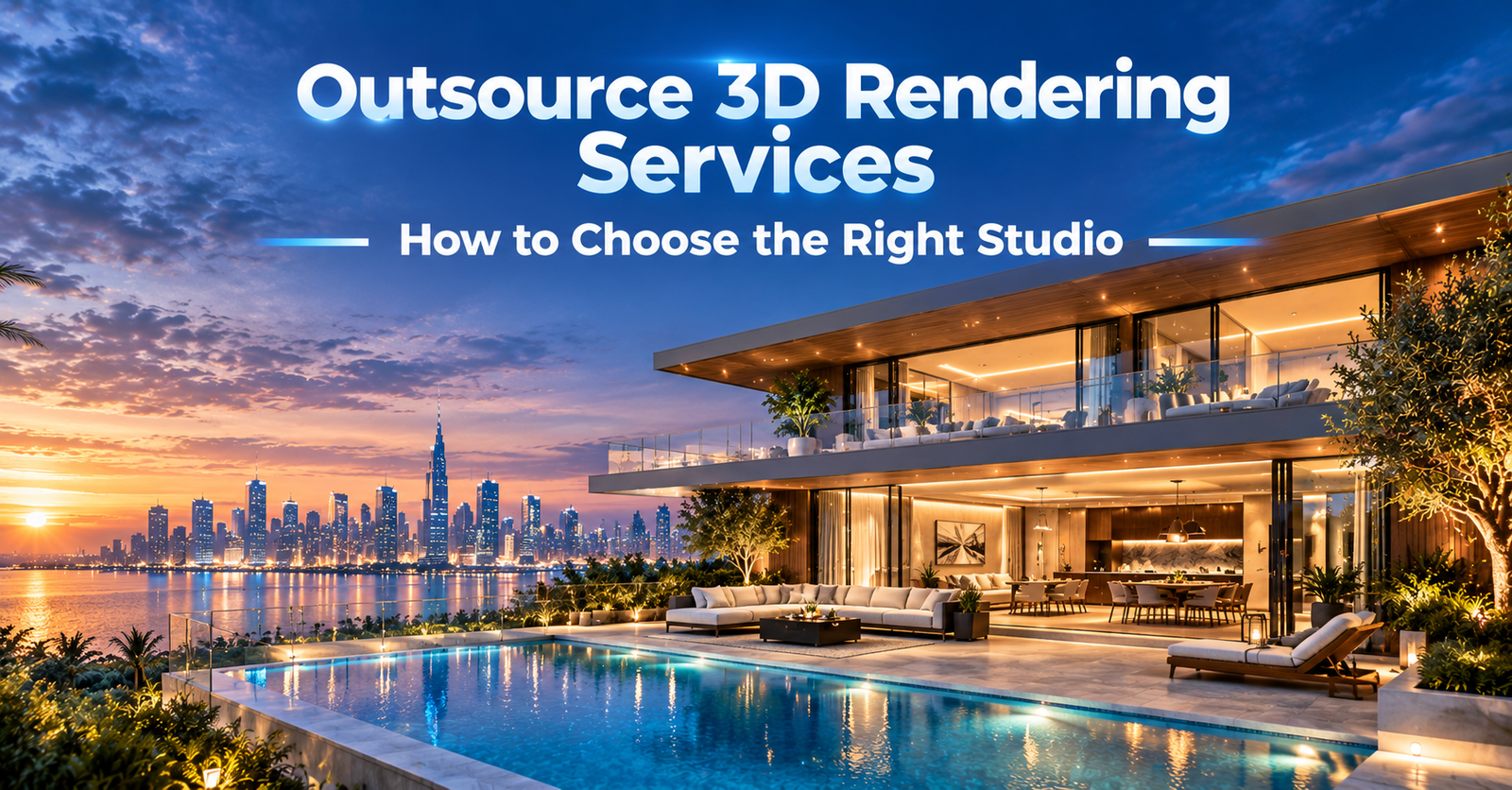
Outsource 3D Rendering Services: How Do You Choose the Right Studio for Your Budget and Project Needs?

Introduction
You need strong visuals. Your team cannot build them all in-house. So you start looking at studios.
Then the confusion starts. Portfolios look similar. Quotes look different. Everyone says they are fast and affordable.
This guide helps you cut through that. It explains how to outsource 3D rendering services in a way that fits your budget and protects your quality.
At Blue Ribbon 3D, we see the same questions from architects, developers, and product brands. This article answers them in order.
We cover budget, AI-assisted workflows, quality control, and turnaround. We also give you a scorecard you can use right away.
Quick Answer
| To choose the right studio for outsourced 3D rendering, define your project first, set a budget based on scope, review portfolio fit, ask how AI is used, check quality control steps, and compare turnaround assumptions. Then test the studio with a small sample before a large order. |
Why Teams Outsource 3D Rendering
Rendering needs specialist skills, powerful hardware, and software licenses. Many teams use these only in bursts.
Outsourcing turns a fixed cost into a flexible one. You order work when you need it.
It also gives you access to broader skills. One studio may cover exteriors, interiors, products, and animation.
Outsourcing has trade-offs too. You rely on clear communication and written terms. The steps below help you manage both.
Step 1: Define Your Project Before You Shop
Studios can only quote what you describe. A vague brief creates vague quotes.
Write down these points before you contact anyone:
- What you need: exterior, interior, product, animation, or a mix
- Where the visuals will appear: website, brochure, listing, or presentation
- How many images or minutes of video you expect
- What reference files you have: drawings, CAD, photos, or samples
- Your deadline and any fixed launch dates
- Your style direction and examples you like
This one page saves time for both sides. It also makes quotes easier to compare.
Step 2: Set a Realistic Budget
Many buyers start with a number and hope it fits. A better start is a scope and a priority list.
Rendering prices depend on what you ask for. Studios may price per image, per room, per product, per minute of animation, or per project.
These factors usually move the price:
- Level of detail and model complexity
- Number of views or scenes
- Animation or interactive formats
- Revision rounds included
- Deadline pressure
- Quality of your reference files
Sort your needs into must-have and nice-to-have. Put your budget into the must-haves first.
Here are some ways to use a budget wisely:
- Start with hero images that carry the most sales weight
- Reuse one 3D model for several outputs
- Plan early to avoid rush premiums
- Send complete references to reduce rework
Do not compare totals alone. A lower quote may simply cover less. Compare scope line by line.
Step 3: Judge Portfolio and Specialty Fit
A strong portfolio matters, but fit matters more. A studio great at interiors may be average at product work.
Match the studio’s samples to your own project type. Here is a quick guide:
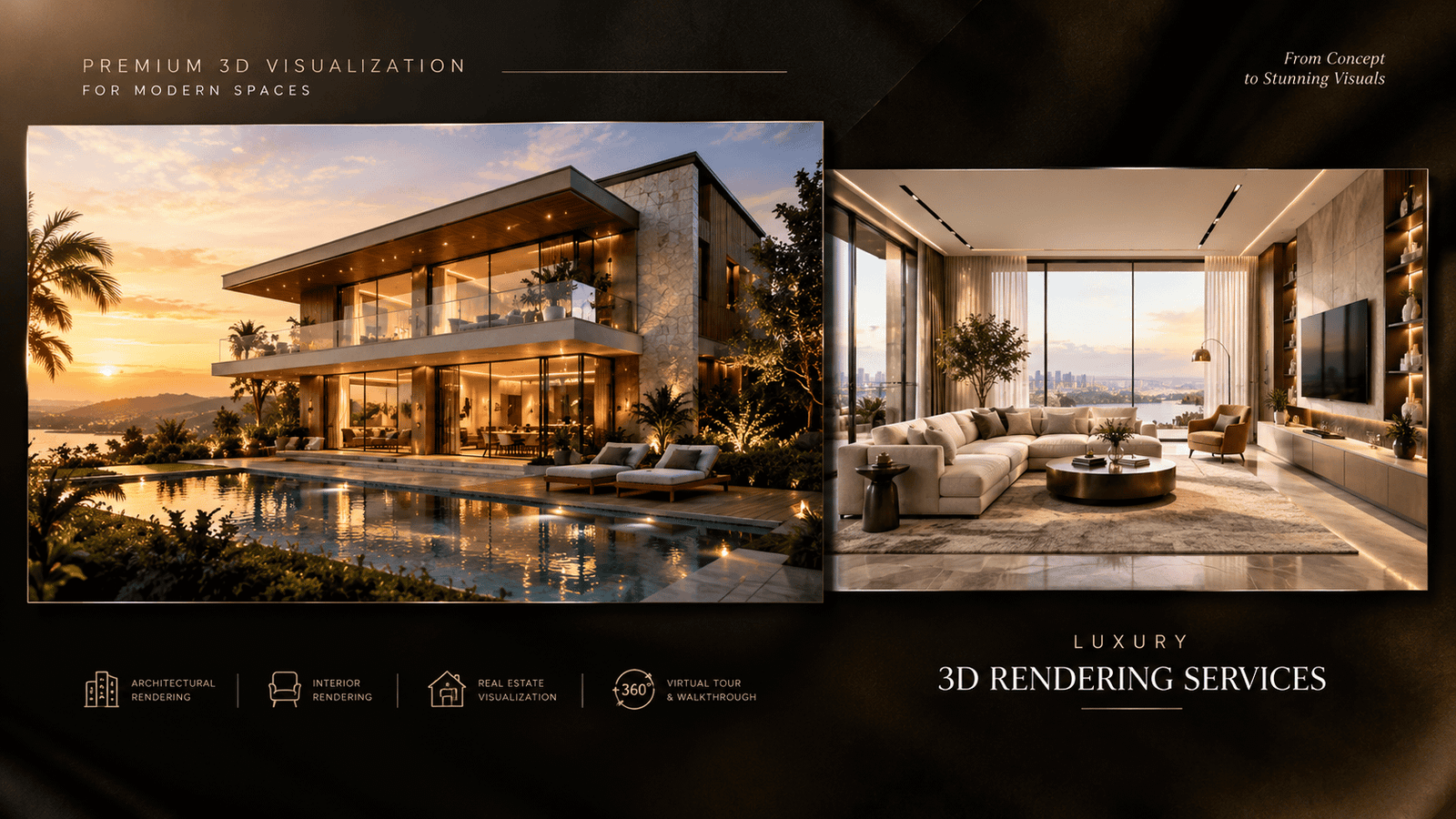
Buildings and sites: review exterior 3D rendering samples for materials, landscaping, and lighting.
Rooms and spaces: look at interior 3D rendering for believable light, scale, and styling.
Products and catalogs: check 3D product visualization for accurate materials and consistent angles.
Moving content: watch a 3D walkthrough animation for smooth camera motion and a clear story.
Look for consistency across many samples, not one standout image. Consistency shows a repeatable process.
Step 4: Ask How AI-Assisted Workflows Are Used
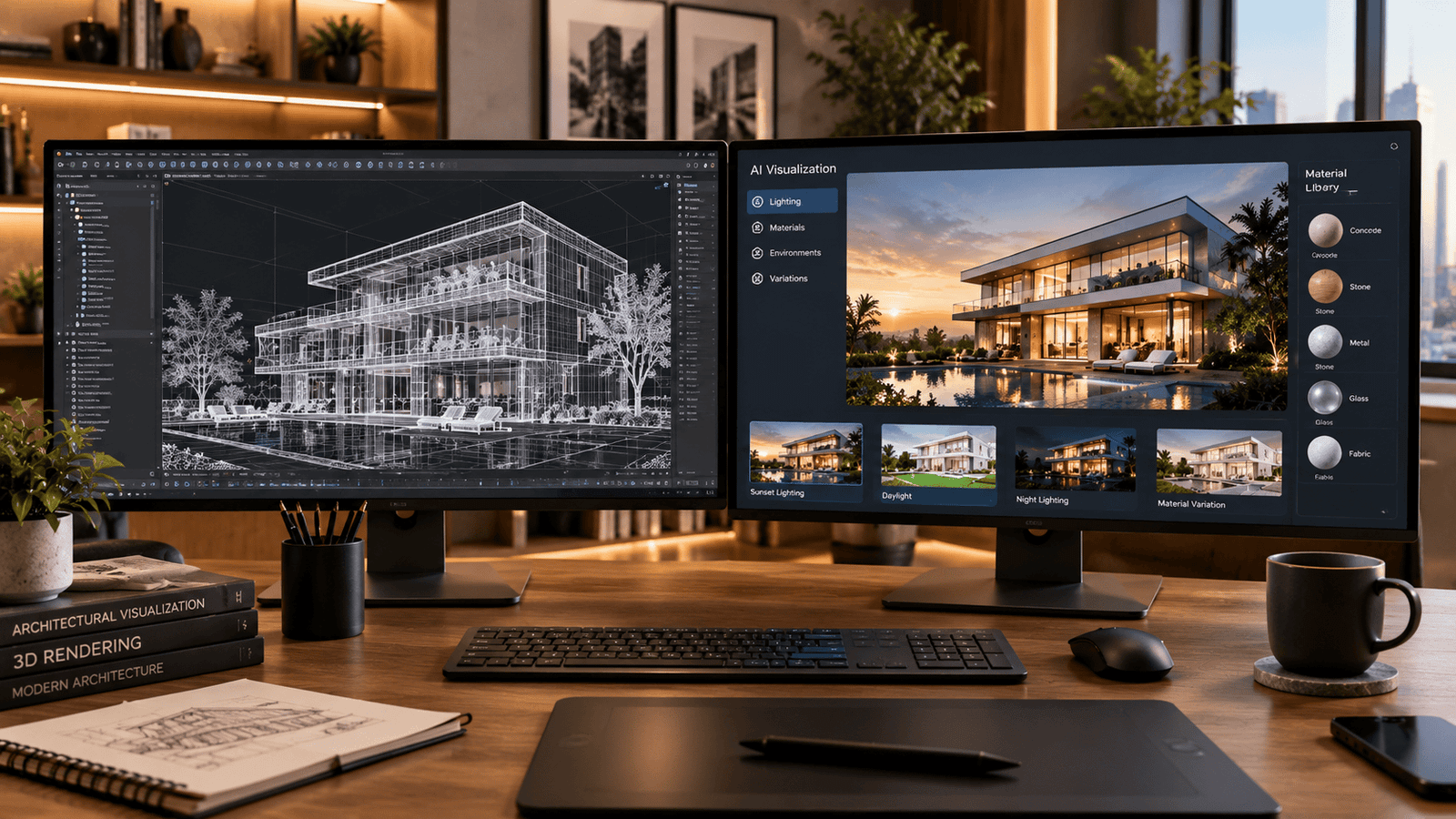
AI is now part of many studio workflows. That is not good or bad by itself. What matters is how it is used.
AI-assisted means software helps with certain tasks. It does not mean a button replaces the whole process.
Common uses include:
- Exploring early concept and mood options
- Testing material and color variations
- Cleaning noise and upscaling finished images
- Speeding up repetitive scene setup
Traditional modeling and rendering still matter. Your building or product must match real dimensions and real materials.
An AI-generated image can look beautiful and still be wrong. Proportions may drift. Details may not match your drawings.
Ask these questions:
- Where in the workflow do you use AI tools?
- Who checks the output against my drawings or samples?
- Are final images built from my real model data?
- How do you handle my files and data in AI tools?
A good studio answers clearly. Vague answers are a signal to dig deeper.
Used well, AI can give you more options within the same budget. Used carelessly, it can create approval problems later.
Step 5: Check Quality Control
Quality problems are cheaper to catch early. Ask how the studio reviews work before you see it.
Good studios often use staged reviews. For example, a model review, a lighting review, and a final check.
When you receive a draft, run your own check:
- Do proportions and dimensions match the drawings?
- Do materials match your samples or specifications?
- Is the lighting believable and consistent?
- Are objects, people, and plants at the right scale?
- Are reflections, shadows, and edges clean?
- Is any text, logo, or signage correct?
Give feedback in one organized list. Scattered comments slow every round.
Accurate 3D modeling sits behind all of this. A weak model cannot be saved by good lighting.
Step 6: Compare Turnaround Honestly
Fast sounds attractive. Reliable matters more.
Turnaround depends on several things:
- Project complexity
- Completeness of your references
- How quickly you give feedback
- Number of revision rounds
- The studio’s current workload
Notice that your own response time is on the list. Slow feedback can delay any project.
Ask each studio what timeline they assume and what could change it. Then add a buffer before your real deadline.
Be careful with any promise that sounds too good to be true. A clear schedule with stated assumptions is a better sign.
Scorecard: Compare Studios Side by Side
Use this table when you review two or three studios.
| Criteria | What to Ask | Good Sign | Warning Sign |
| Portfolio fit | Do you have work like mine? | Consistent samples in my category | Only unrelated showpieces |
| Budget clarity | What does the quote include? | Scope listed line by line | One total, no detail |
| AI use | Where do you use AI tools? | Clear role, human review | Vague or evasive answer |
| Quality control | How do you review before delivery? | Staged internal checks | No defined review step |
| Turnaround | What are your timeline assumptions? | Stated steps and buffers | Speed promises with no basis |
| Files and rights | Do I receive source files? | Terms stated in writing | Unclear ownership |
Communication and Written Terms
Good communication prevents most outsourcing problems. Agree on a single point of contact and a review schedule.
If you work across time zones, agree on response windows early.
Put key terms in writing. These include revision rounds, file formats, source file ownership, and confidentiality. A short written scope protects both sides.
Test the Studio With a Small Sample
Before a large order, run a small test. Some studios offer samples. Others run a short paid pilot. Ask which applies.
Choose a representative item. Give the same brief you would use for the full project.
Judge three things: visual quality, communication, and how the studio handles feedback.
A small test costs far less than fixing a large project later.
Common Mistakes to Avoid
- Choosing on price alone
- Sending an incomplete brief
- Skipping a written scope
- Assuming AI output is automatically accurate
- Ignoring your own feedback speed
Each of these is easy to avoid with the steps above.
Frequently Asked Questions
How do I choose the right 3D rendering studio?
Define your project, set a scope-based budget, review portfolio fit, ask about AI use and quality control, compare turnaround assumptions, and test with a small sample.
How much should I budget to outsource 3D rendering?
It depends on your scope. Detail level, number of views, animation, revisions, and deadline all affect price. Request scoped quotes rather than relying on a general figure.
Is AI-assisted rendering lower quality?
Not by default. Quality depends on how the studio uses AI and how well the output is checked against your real drawings and materials.
How long does outsourced 3D rendering take?
It varies with complexity, reference quality, revision rounds, and studio workload. Ask for a timeline that lists its assumptions.
What should I send a studio to get started?
Share drawings or CAD files, dimensions, material references, style examples, usage plans, and your deadline.
Who owns the final files?
That depends on your agreement. Confirm ownership of images and any source 3D files in writing before work begins.
Should I hire a freelancer or a studio?
Freelancers can suit small, simple jobs. Studios may suit larger projects that need several skills, review stages, and backup capacity. Judge each option on fit and reliability.
Should I test a studio before a big project?
Yes. A small sample or pilot shows you quality, communication, and feedback handling before you commit to a larger order.
Conclusion
Choosing a studio is easier with a method. Define the project, set a scope-based budget, and review portfolio fit.
Ask how AI is used. Check quality control. Compare turnaround assumptions. Then test before you commit.
If you want to talk through a project, the team at Blue Ribbon 3D is happy to review your brief. You can also contact us here.